JWT
The JWT page in Veezoo Admin lets you configure Veezoo to use JSON Web Tokens (JWT) to authenticate users.
Single sign-on with JWT is only available for Enterprise subscription plans. Check our pricing and get in touch with us to enable it!
Configure the parameter
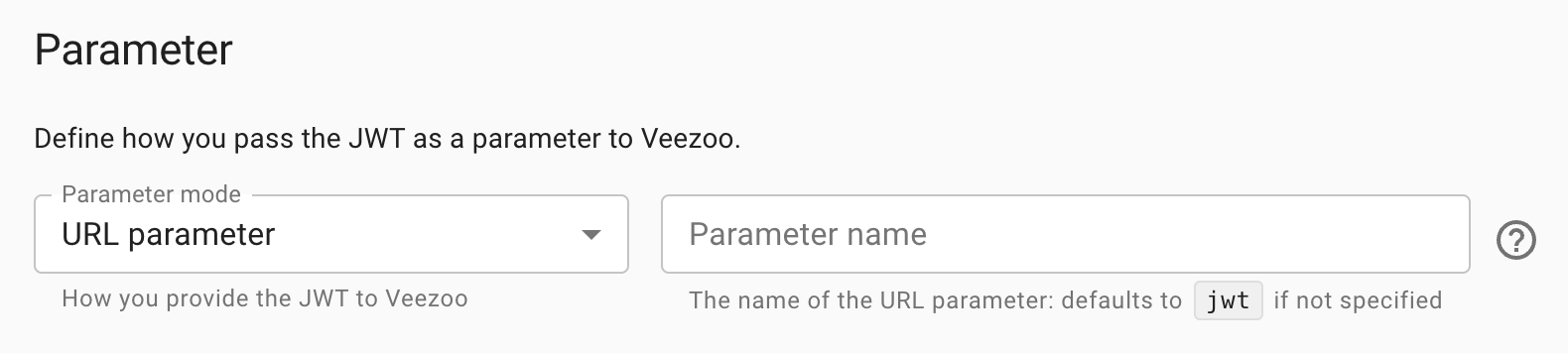
There are two modes to pass the JWT to Veezoo for the authentication:
- as a URL parameter: add the JWT as parameter to the Veezoo URL
- as a cookie: include the JWT in the
Cookierequest header
You can change the parameter mode and the parameter name (i.e. URL parameter or cookie name).
Provide your public key
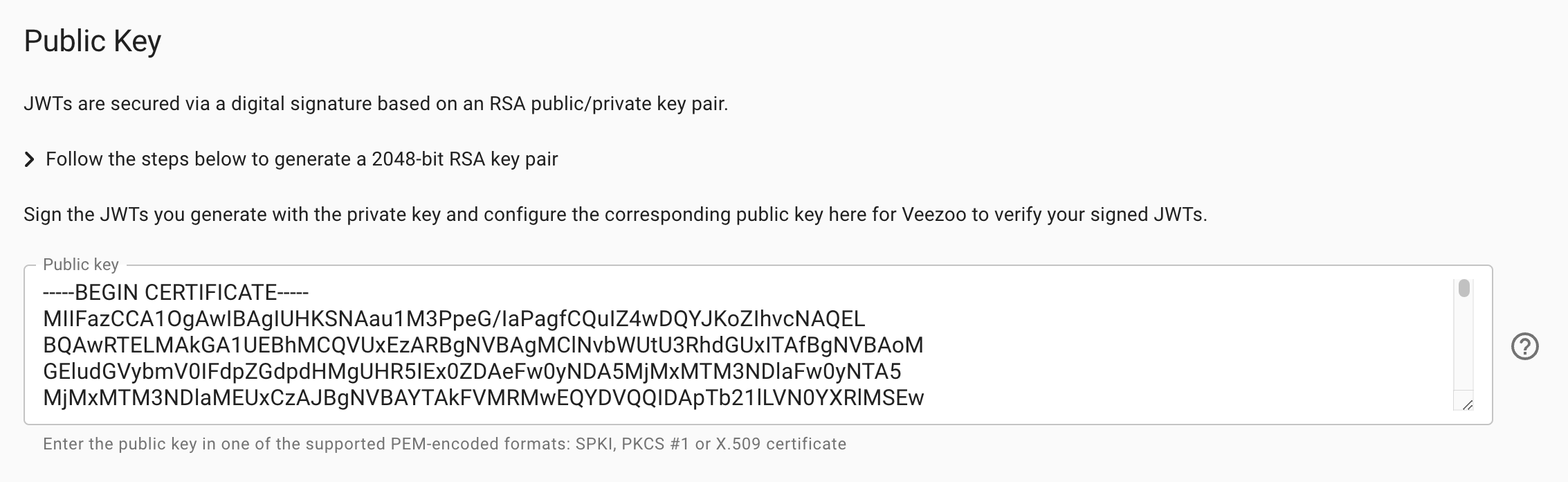
JWTs are secured via a digital signature based on an RSA public/private key pair. You need to sign the JWTs you generate and provide to Veezoo with your private key and configure the corresponding public key here. Veezoo can subsequently verify your signed JWTs.
Configure user attributes
When a user authenticates via single sign-on with JWT, a corresponding user gets automatically created in Veezoo. The User attributes subsection determines the attributes of that user by defining user attribute mappings against the claims of your JWT:
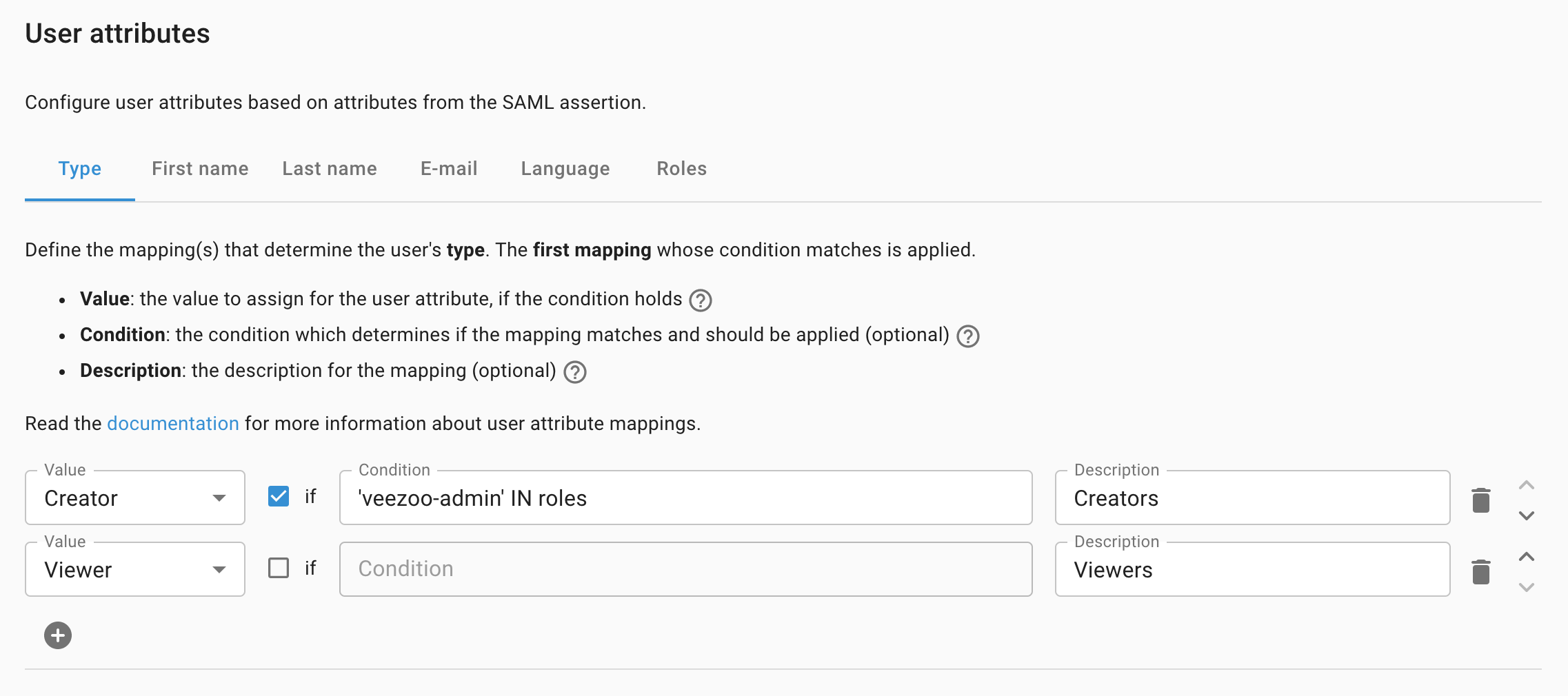
A JWT claim on its own grants nothing - it only takes effect through a mapping that reads it. In particular, you need to define a Type mapping, otherwise users are created deactivated and cannot sign in.
Read the user attributes documentation for more information.