
Adding Unstructured Context with Notes
Add free-form business context to your Knowledge Graph with Notes so Veezoo interprets your questions correctly.
Notes allow you to add unstructured, free-form context to your Knowledge Graph. This is particularly useful for capturing specific business knowledge that isn't easily encoded through classes, attributes, or relationships.
When to Use Notes
Notes are ideal for adding business-specific context that would be difficult or impractical to model structurally. Here are some examples:
Business Rules and Definitions
wb {
    static_note fiscal_year {
        note_content:
            """
            Our fiscal year runs from April 1st to March 31st. When users ask about
            "this year" or "last year" in a financial context, they typically mean
            the fiscal year, not the calendar year.
            """
    }
}
Domain-Specific Terminology
wb {
    static_note customer_segments {
        note_content:
            """
            In our company, "whales" refers to customers with annual revenue
            exceeding $1M. "Dolphins" are customers between $100K and $1M,
            and "minnows" are below $100K.
            """
    }
}
Data Quality Caveats
wb {
    static_note data_quality {
        note_content:
            """
            The sales data from Q2 2023 is incomplete due to a CRM migration.
            Any analysis of that period should note that approximately 15% of
            transactions may be missing.
            """
    }
}
Adding a Note in Studio
To add a new note to your Knowledge Graph, follow these steps:
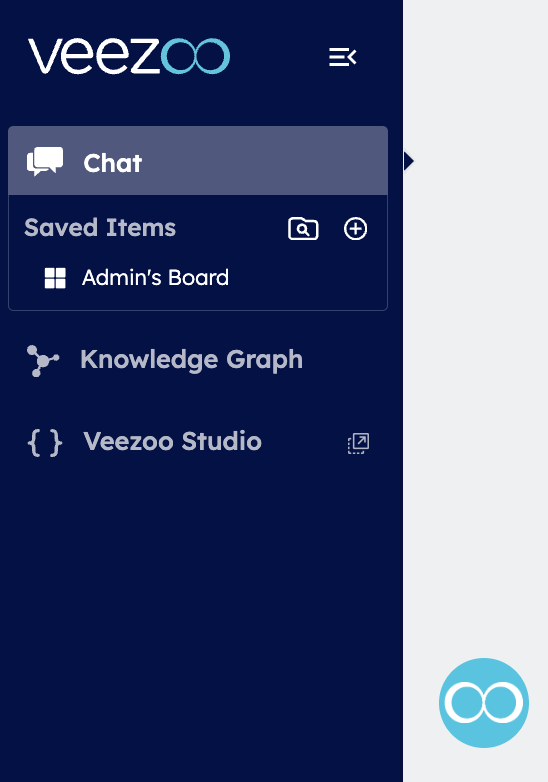
1. Open the Studio
Navigate to your Knowledge Graph in Veezoo and open the Studio editor.
2. Create a New Note File
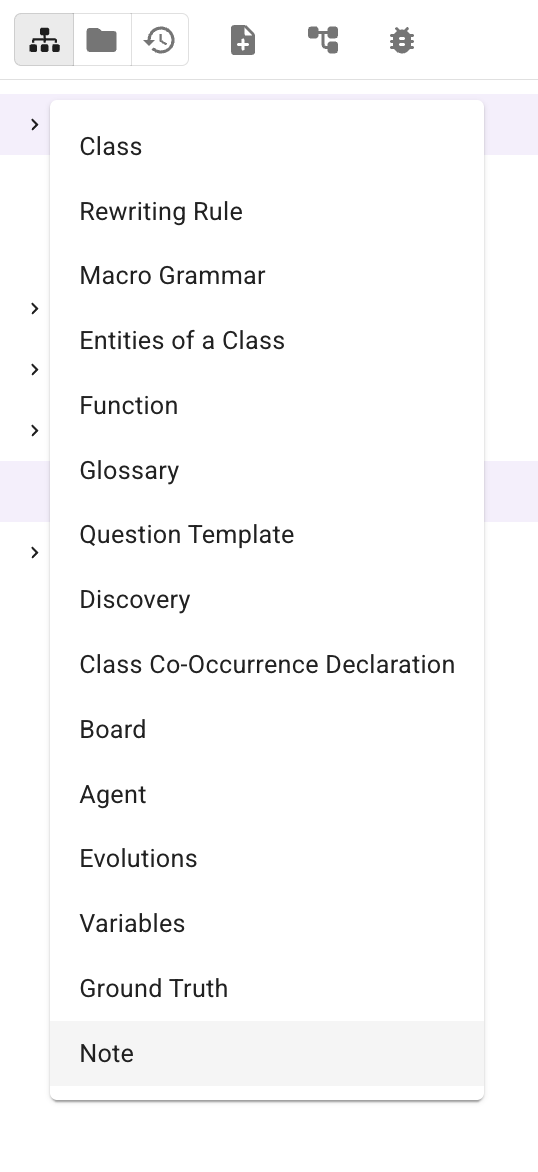
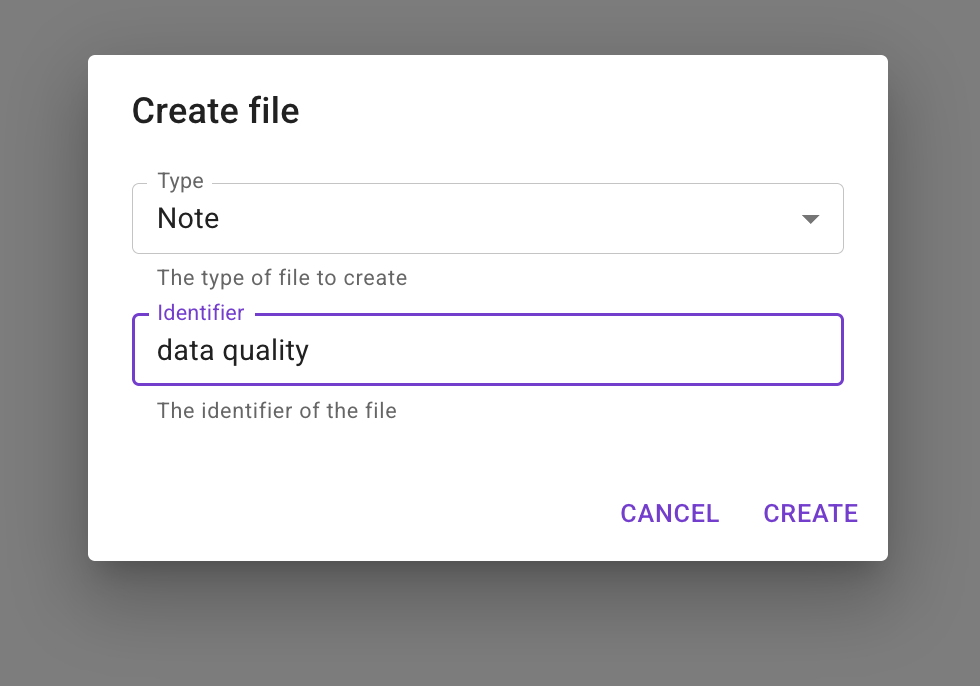
In the Studio, click the "New File" button to open the file type menu. Select "Note" from the list, then enter a name for your note (e.g., "data quality").
3. Write Your Note Content
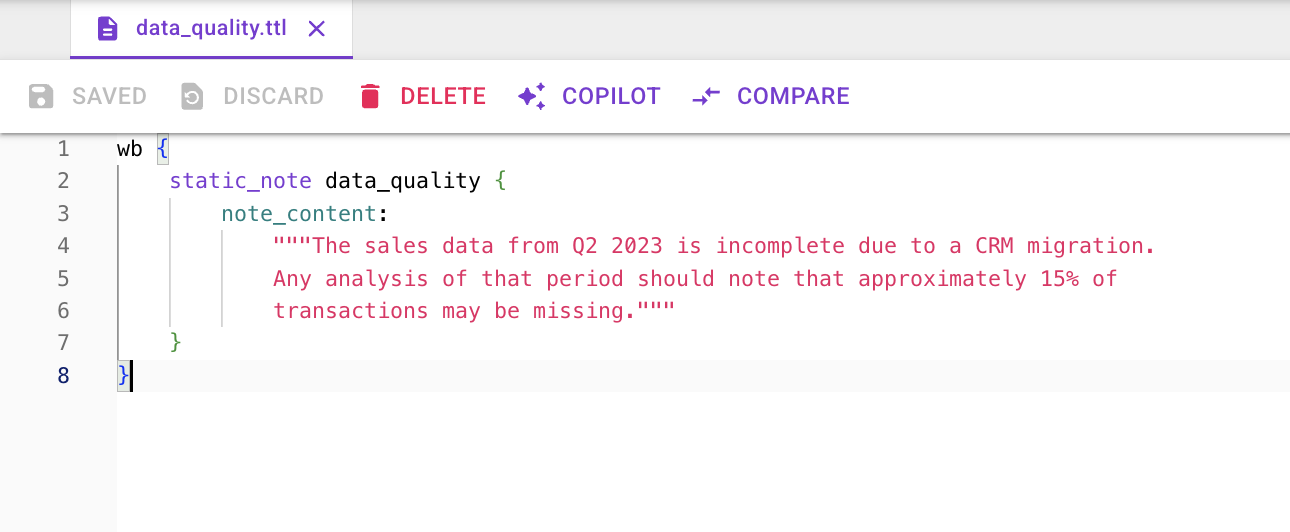
Add your unstructured context as plain text. You can include multiple pieces of related information in a single note file, or create separate files for different topics. Once you're done, save your changes.
Best Practices
- Be specific: Include concrete numbers, dates, and thresholds rather than vague descriptions
- Provide context: Explain the "why" behind business rules, not just the "what"
- Keep notes focused: Each note should cover a single topic or related set of concepts
- Update regularly: Review and update notes when business rules or definitions change
- Avoid duplication: Don't repeat information that's already captured in your Knowledge Graph structure